The Dashboard is an overview section for how the company is doing for the selected day. It's available to Company Owner, Company Administrator, User Administrator, and User Manager roles.
Company Owners and Company Administrators can see company-wide data, while User Administrators and User Managers can only see data for the teams assigned to them.
Under Dashboard, you can select a specific team to view the stats, excluding all other employees from the statistics.
The Dashboard shows lists of:
- The most productive users.
- The most unproductive users.
- The most effective users.
- Users who have the most offline time logged.
- Users who are late.
- Users who are absent.
Beneath the employee statistics, you’ll find a breakdown of time spent on specific applications, categorized by productivity level: Productive, Neutral, or Unproductive.
.png)
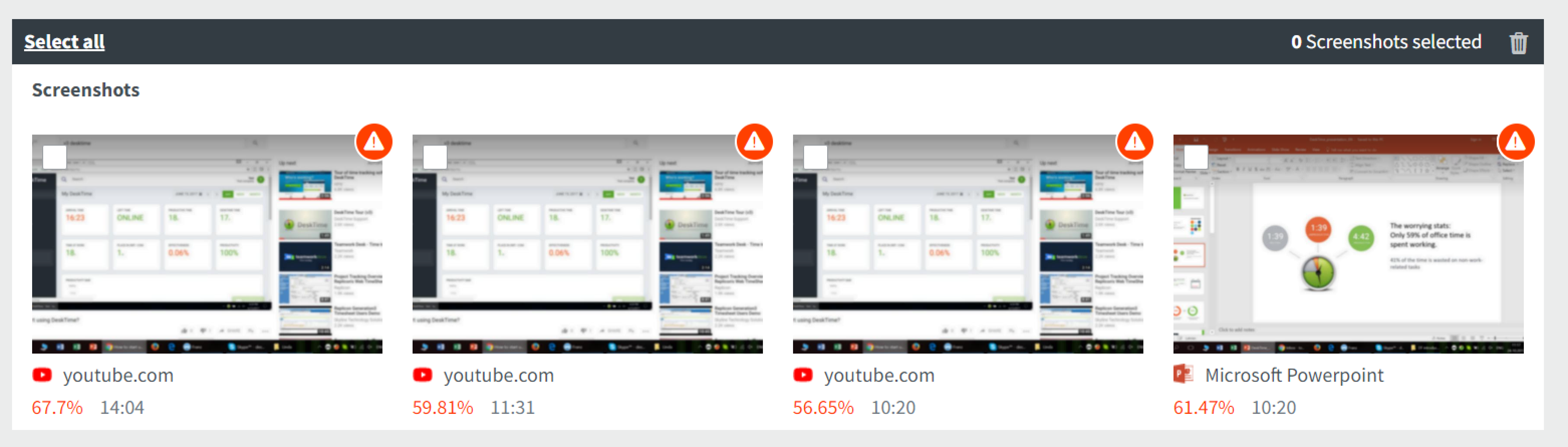
Any suspicious or unproductive screenshots will be shown at the very bottom of the Dashboard if screenshots have been enabled.