Managing your team is easy with our Google Workspace and Slack integrations. If you are a Company Owner, Company Administrator, or User Administrator, you can sync new members in just a few clicks.
To get started, navigate to Settings → Team Members and click the green Add Team Member button. From there, select your preferred integration.
Slack:
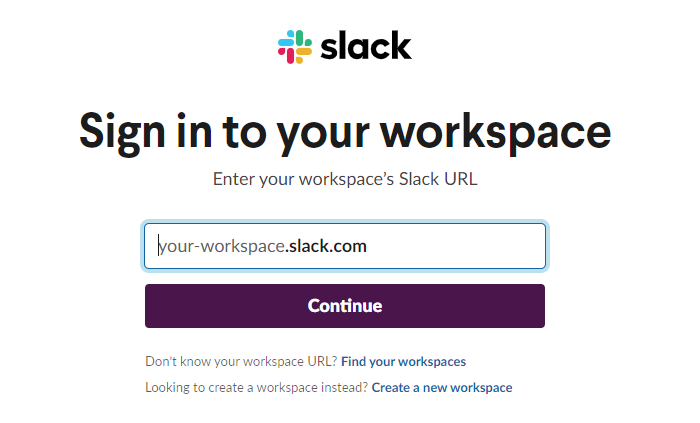
1. Click on the Slack icon and sign in using your workplace's Slack URL:
2. Confirm your identity on DeskTime by clicking on the Authorize button:
G Suite:
1. Click on the Gmail icon and sign in using your Google account:
2. Allow DeskTime to access your Google account data by pressing the Allow button:
3. You will arrive back at the Add Team Member window. Choose which users you would like to add to your DeskTime account, or Select all. Choose whether to send an invitation E-mail to the new DeskTime member's E-mail address or not. In the end, click the green button below Invite.